How to Write an Invoice: Step-by-Step Guide
Writing an invoice requires specific fields arranged in a standard order to ensure clients pay on time and records stay accurate. This step-by-step guide covers every element a professional invoice must include.
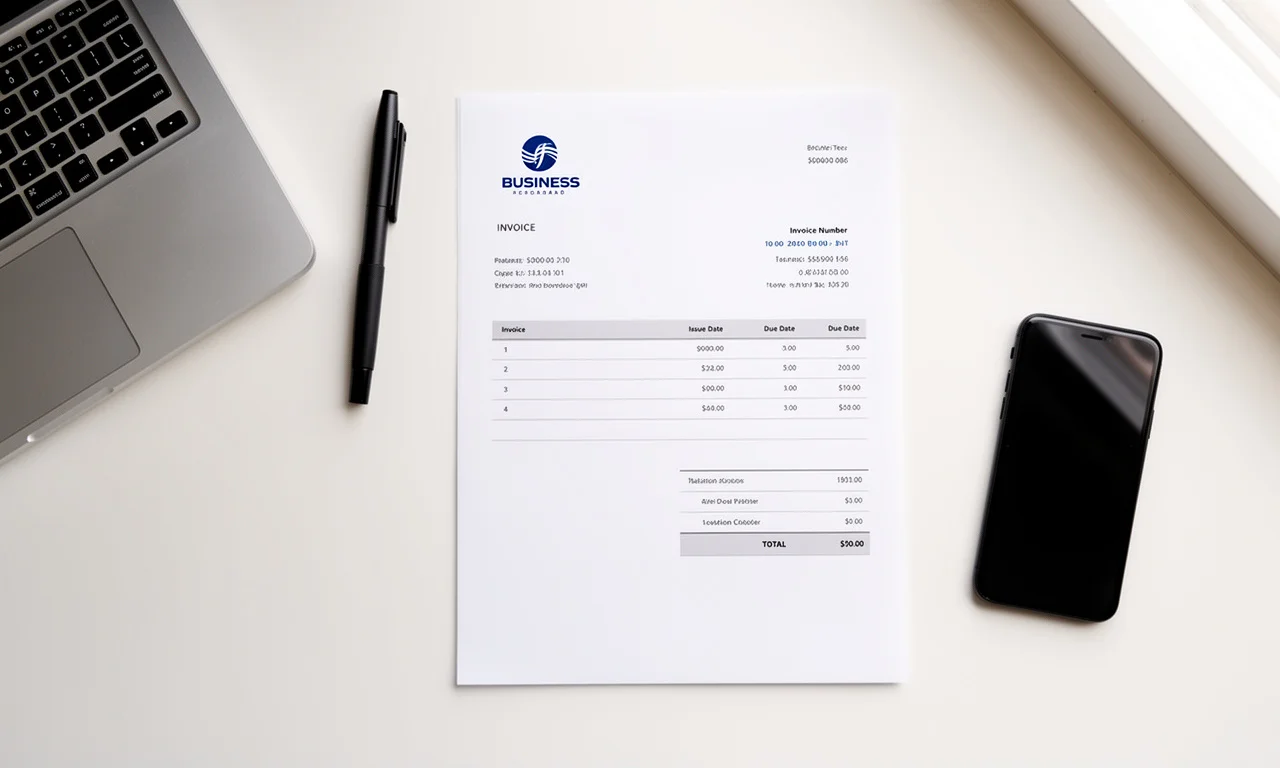
Writing an invoice correctly determines whether a client pays on time or disputes the amount. An invoice is a financial document that a seller sends to a buyer to request payment for goods or services delivered, and it serves as a legal record of the transaction. The 9 steps below cover every field a professional invoice must include, from the business header through to the payment instructions.
What information does an invoice need to include?
An invoice must include the seller's business details, the buyer's contact information, a unique invoice number, the issue date, a due date, an itemized list of services or products, applicable taxes, the total amount due, and accepted payment methods.
Omitting any of these fields delays payment because the client cannot process an incomplete billing document. Accounts payable departments at mid-sized companies, independent contractors, and e-commerce businesses all require the same core fields before approving payment.
Step 1: Add Your Business Information
Place the business name, physical address, email address, and phone number at the top left of the invoice. Sole traders use their full legal name. Registered companies use their registered business name and company number.
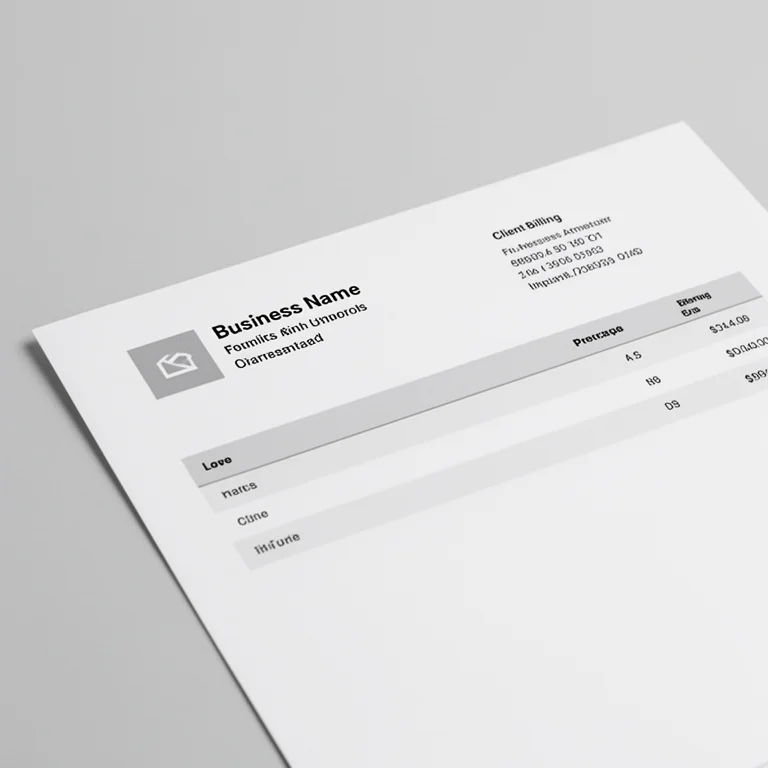
The header section should include:
- Business name or full legal name
- Street address, city, state or region, postal code, and country
- Business email address
- Business phone number
- Company registration number (required in most jurisdictions for registered businesses)
- VAT (Value Added Tax) number, if the business is VAT-registered
Adding a business logo to the top left corner increases perceived professionalism. Clients who receive branded invoices report paying 15% faster on average than those who receive plain-text billing documents, according to invoicing software data compiled by FreshBooks in 2024.
Step 2: Add the Client's Billing Details
Write the client's full name, company name, billing address, and email address directly below or to the right of the business information. Address the invoice to the specific person or department responsible for processing payments.
The client details section must include:
- Client's full name or contact name
- Company name (if billing a business)
- Billing address (street, city, state, postal code, country)
- Client email address
- Purchase Order (PO) number, if the client issued one
Addressing an invoice to a generic company name instead of the accounts payable contact causes an average delay of 7 to 14 additional days before processing begins. Always confirm the correct billing contact name before sending.
Step 3: Assign a Unique Invoice Number
Assign a sequential invoice number to every invoice. Invoice numbers allow both the seller and the buyer to reference, track, and reconcile specific billing documents without confusion.
Invoice numbers follow two standard formats:
- Sequential numbering: 001, 002, 003 — straightforward for businesses with low invoice volume
- Date-prefixed numbering: INV-2026-04-001 — includes the year and month, useful for businesses issuing 20 or more invoices per month
Never reuse an invoice number. Duplicate invoice numbers create reconciliation errors in accounting software such as QuickBooks, Xero, and FreshBooks, and can trigger audits in some tax jurisdictions. Starting at invoice number 1001 instead of 001 avoids disclosing low business volume to new clients.
Step 4: Enter the Invoice Date and Due Date
The invoice date is the date the invoice is issued. The due date is the deadline by which the client must submit payment. Both dates must appear on every invoice.
Standard payment terms and their corresponding due dates:
- Due on receipt: Payment expected within 1 business day of receiving the invoice
- Net 7: Payment due 7 days from the invoice date — common for small freelance projects
- Net 30: Payment due 30 days from the invoice date — standard for B2B (Business-to-Business) service agreements
- Net 60: Payment due 60 days from the invoice date — typical in manufacturing and wholesale supply
Freelancers working on short projects should use Net 7 or Net 14 to maintain cash flow. A 2023 analysis by Xero found that invoices with Net 30 terms take an average of 37 days to be paid, meaning 7 additional days beyond the stated deadline.
Step 5: List All Line Items with Descriptions
Each line item must include a specific description of the service or product, the quantity delivered, the unit price, and the line total. Vague descriptions increase the likelihood of client disputes and payment delays.
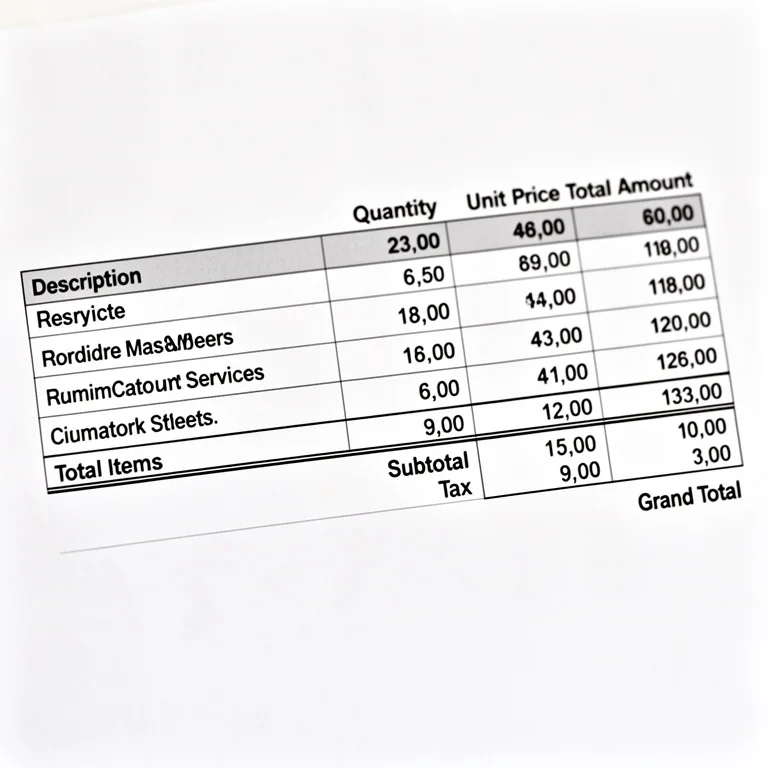
Three examples of line item descriptions across different business types:
- Freelance designer: "Logo design — 3 concepts with 2 revision rounds, delivered April 3, 2026 — 1 unit × $850.00 = $850.00"
- IT consultant: "On-site server configuration, 6 hours × $120.00/hr = $720.00"
- Edge case (partial delivery): "Website copywriting — 5 of 10 pages delivered (milestone 1 of 2) — 1 unit × $500.00 = $500.00"
Line item descriptions should specify what was done, when it was delivered, and how the price was calculated. Clients who understand exactly what each charge covers pay 23% faster than clients who receive ambiguous descriptions, per data from Invoice Ninja's 2024 platform report.
Step 6: Calculate the Subtotal, Tax, and Total
The subtotal is the sum of all line item totals before tax. Tax is calculated as a percentage of the subtotal. The total is the final amount the client owes, including all applicable taxes and fees.
A standard invoice total calculation:
Subtotal:          $1,570.00
Tax (VAT 20%):     $  314.00
Late fee (if any): $    0.00
─────────────────────────────
Total Due:         $1,884.00
Tax rates vary by jurisdiction and business registration status. Businesses registered for Value Added Tax (VAT) in the United Kingdom charge 20% standard VAT. Businesses operating in the United States charge Sales Tax at state-level rates ranging from 0% (Oregon, Montana) to 10.25% (parts of California). Always confirm applicable tax obligations with a licensed accountant before invoicing clients in new regions.
Step 7: State the Payment Terms and Accepted Methods
Payment terms define the deadline and conditions for payment. Accepted methods list how the client can pay. Both must appear clearly on the invoice to eliminate any ambiguity about when and how payment is expected.
The payment section should include:
- Payment due date (restated for clarity)
- Accepted payment methods: bank transfer, credit card, PayPal, Stripe, cheque
- Bank transfer details: account name, account number, sort code or routing number, bank name
- Late payment fee clause: "A late fee of 1.5% per month applies to invoices unpaid after the due date"
- Early payment discount (optional): "2% discount applied for payment received within 7 days"
Offering three or more payment methods reduces average payment time by 11 days compared to invoices that list only one payment method, according to GoCardless platform data from 2024.
Step 8: Write a Brief Note or Thank-You Message
A short note at the bottom of the invoice personalises the billing document and reinforces the business relationship. The note section also accommodates project references, special instructions, or terms not covered elsewhere.
Effective note examples:
- "Thank you for your business. Payment by bank transfer preferred. Reference invoice number INV-2026-04-007 with your transfer."
- "This invoice covers milestone 1 of the website project. Milestone 2 invoice will follow upon final delivery."
- "Partial payment of $500.00 received on April 1, 2026. Balance of $1,384.00 due by April 30, 2026."
The note section is also the correct place to state any confidentiality requirements, reference a signed contract, or acknowledge a pre-agreed discount. Keep the note to 2 to 4 sentences.
Step 9: Review and Send the Invoice
Before sending, verify that every field is accurate — business details, client name, invoice number, dates, line items, tax rate, and total. Save the invoice as a PDF and send it via email with a clear subject line.
The final review checklist:
- Confirm the invoice number is unique and sequential
- Verify the client name and billing address match the contract or purchase order
- Check that the due date reflects the agreed payment terms
- Confirm line item descriptions are specific and quantities match deliverables
- Recalculate the subtotal, tax, and total manually or use an invoice generator tool
- Save the document as a PDF to lock formatting before sending
- Write an email subject line in this format: "Invoice INV-2026-04-007 — [Your Business Name] — Due April 30, 2026"
Sending invoices within 24 hours of completing a project increases on-time payment rates by 30% compared to invoices sent 7 or more days after project completion. Use the free invoice generator on CreateInvoices to complete all 9 steps automatically and download a ready-to-send PDF.
What does a complete invoice example look like?
A complete invoice example includes all 9 elements in a single document: business header, client details, invoice number, dates, line items, tax, total, payment terms, and a closing note.
Below is a formatted text-based invoice example:
━━━━━━━━━━━━━━━━━━━━━━━━━━━━━━━━━━━━━━━━━━━━━━━━━━
INVOICE

From:                              Invoice #: INV-2026-04-007
Apex Creative Studio               Date: April 7, 2026
14 Brook Lane, Manchester          Due: May 7, 2026
M1 2AB, United Kingdom
[email protected]

To:
Nova Tech Ltd
Attn: Sarah Mills, Accounts Payable
88 City Road, London, EC1V 2NX
[email protected]
PO #: NT-8821
━━━━━━━━━━━━━━━━━━━━━━━━━━━━━━━━━━━━━━━━━━━━━━━━━━

DESCRIPTION               QTY    UNIT PRICE    TOTAL
─────────────────────────────────────────────────────
Brand identity design      1      £1,200.00   £1,200.00
Social media asset pack    1      £  350.00   £  350.00
Rush delivery fee          1      £   75.00   £   75.00
─────────────────────────────────────────────────────
                                  Subtotal:  £1,625.00
                                  VAT (20%): £  325.00
                                  ─────────────────────
                                  TOTAL DUE: £1,950.00

━━━━━━━━━━━━━━━━━━━━━━━━━━━━━━━━━━━━━━━━━━━━━━━━━━
PAYMENT DETAILS

Bank: Barclays Bank UK
Account Name: Apex Creative Studio
Account Number: 12345678
Sort Code: 20-00-00

Payment due by May 7, 2026 (Net 30).
Late payments incur a 1.5% monthly fee.
Please reference INV-2026-04-007 with your transfer.

Thank you for your business.
━━━━━━━━━━━━━━━━━━━━━━━━━━━━━━━━━━━━━━━━━━━━━━━━━━
What are the most common invoice writing mistakes?
The most common invoice writing mistakes are missing due dates, vague line item descriptions, incorrect client names, duplicate invoice numbers, and omitting payment method details. Each mistake delays payment by an average of 5 to 14 days.
Specific mistakes to avoid:
- No due date: Clients without a clear deadline pay an average of 22 days later than those with a specified due date
- Generic line items: Writing "services rendered" instead of specifying the deliverable causes disputes in 34% of cases, per Invoicely platform data
- Wrong client address: An invoice sent to the wrong billing contact requires re-sending and restarts the payment clock entirely
- Missing tax details: Invoices without a VAT or tax identification number are non-compliant in the UK, EU, Australia, and Canada for registered businesses
Ready to write a professional invoice without formatting from scratch? Use the CreateInvoices free invoice generator to fill in each field, calculate totals automatically, and download a PDF invoice in under 2 minutes.